Why this stack matters
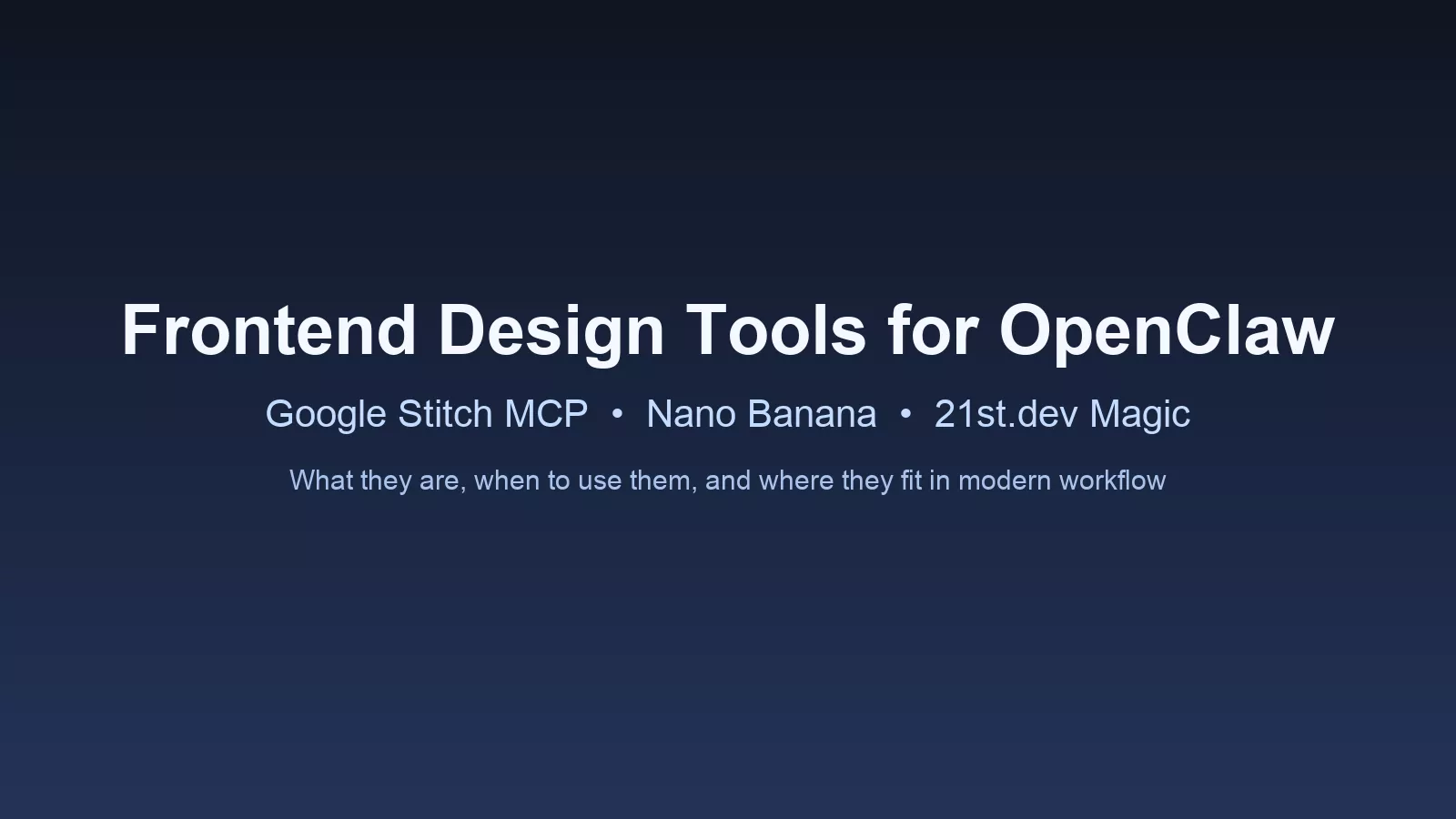
If you are building modern frontend workflows with OpenClaw, these tools give you coverage from concept to publish. Instead of treating design, assets, and implementation as separate worlds, you can run one practical flow that starts with UI direction and ends with production-ready content and pages.
Google Stitch MCP
Google Stitch MCP is the design ideation engine in this stack. It helps generate interface directions quickly so you can test layout, structure, and visual hierarchy before writing production code. This is useful when you need multiple UI options fast, especially for landing pages, app screens, and campaign concepts.
Best use cases: rapid wireframe alternatives, design direction testing, and design-to-build planning.
Nano Banana MCP
Nano Banana MCP is focused on image generation and image editing workflows. In practical terms, it helps produce visual assets that support frontend and content work, including hero concepts, section visuals, and campaign-style graphics. It is a strong support tool when your publishing pace is high and asset demand is constant.
Best use cases: featured image concepts, quick visual variants, and reusable creative assets for content teams.
21st.dev Magic and 21st.dev CLI
21st.dev Magic and the CLI are best thought of as component and asset acceleration tools. They help discover and reuse frontend patterns so teams spend less time reinventing common UI blocks. For multi-site environments, this is valuable because you can standardize quality while still adapting design language per brand.
Best use cases: component discovery, pattern reuse, and faster design-to-implementation handoff.
UI/UX design skill in OpenClaw
A dedicated UI/UX skill gives structure to decision-making and reviews. This is where quality control happens: spacing rhythm, readability, CTA clarity, visual hierarchy, and responsive behavior. It prevents looks fine decisions and replaces them with consistent standards.
Best use cases: design QA, consistency audits, and post-build UX checks before publishing.
How these tools work together
A practical workflow looks like this: define the page brief, use Stitch MCP for direction, create supporting visuals with Nano Banana, source reusable UI patterns with 21st.dev, then run final review through a UI/UX skill checklist before publish. This gives teams speed without throwing quality out the window.
Where this helps service delivery
For agencies and operators managing multiple sites, this stack supports rapid landing-page production, recurring content visuals, design refresh cycles, and cleaner handoffs between strategy, design, and publishing. It is especially effective when paired with strict formatting and QA gates inside WordPress workflows.
Final takeaway
Each tool solves a different layer of the same problem: shipping better frontend work faster. Stitch handles direction, Nano Banana handles visuals, 21st.dev handles reusable UI acceleration, and the UI/UX skill enforces quality. Used together, they form a practical system for modern OpenClaw-powered frontend and content operations.