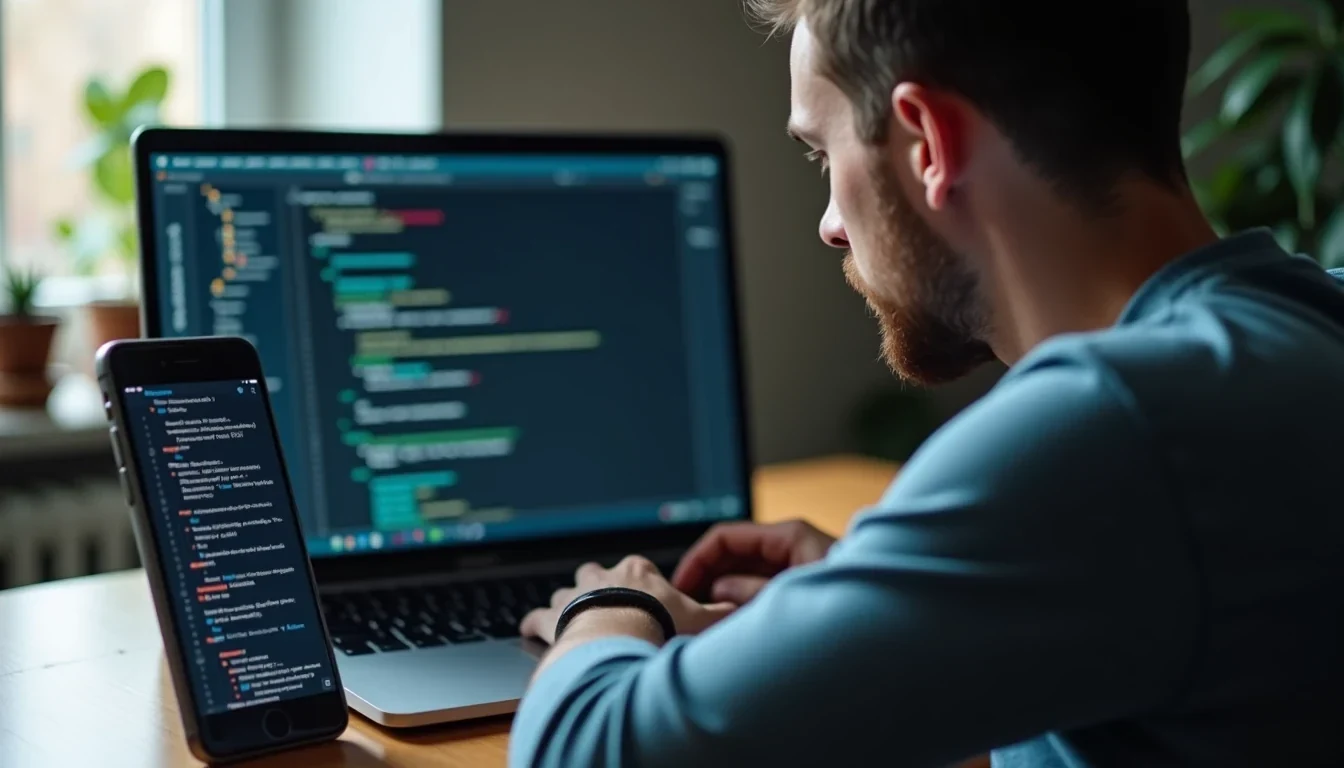
A 2.8 trillion-parameter model looks impressive until you notice your laptop has nowhere to put it. The repo may be public, the demo may be free to try, and the benchmark chart may be full of fireworks, but the machine on your desk still has to load the weights. If the model needs datacentre hardware, it is not a local option, no matter how friendly the marketing copy sounds.
This is a useful correction. China is shipping some of the strongest open-weight models in the market, but the names that dominate headlines are mostly too large for consumer hardware. The genuinely practical story is smaller: a set of models that run on ordinary computers, and in one case on phones, without API keys, credit packs, or a monthly bill.
The machines the headlines forget
The biggest releases are not the ones you want for local work. GLM-5.2 comes in at 744B. Kimi K3 is 2.8 trillion parameters and is the first open 3T-class model. MiniMax M3 lands at 428B.
Those numbers are a warning about memory, not just a brag about capability. Even mixture-of-experts systems still need every weight in memory, so the hardware burden does not disappear because the model routes tokens through parts of itself. A MoE label does not turn a datacentre model into a desktop model.
That leaves a sharp divide. On one side are the giants that belong behind racks of GPUs. On the other are models small enough to live on a workstation, a developer laptop, or a phone that is not trying to act like a supercomputer.
The compact models that actually fit
These models matter if you want to run something locally and keep the costs at zero.
| Model family | Sizes mentioned | Licence | Local fit |
|---|---|---|---|
| Qwen3.6 | 27B, 35B-A3B | Apache 2.0 | Strong desktop option |
| Qwen3.5 | down to 0.8B | Apache 2.0 | Very light, runs on modest machines |
| DeepSeek R1 | distilled 1.5B, 7B, 8B, 14B, 32B | MIT | Broad range from small to serious desktop use |
| MiniCPM-V 4.6 | 1.3B | verify on the model page | Vision model that reaches phones |
| MiniCPM5-1B | 1B class | verify on the model page | Text model for the same small-device lane |
| InternLM | 1.8B, 7B, 20B | Apache 2.0 | Practical local deployment at several sizes |
Qwen3.6 is the cleanest example of what this category gives you. The 27B and 35B-A3B versions are still substantial models, but they are not fantasy hardware projects. With quantisation, they move into the realm of machines many teams already own. Qwen3.5 pushes the idea further down the stack, all the way to 0.8B, which changes what counts as a normal laptop.
DeepSeek R1 is the other obvious candidate. The distilled releases at 1.5B, 7B, 8B, 14B and 32B give you a ladder instead of a single bet. A small version can handle a cheap proof of concept. The larger ones can do real work on a decent desktop without dragging you into cloud billing. The licence is MIT, which keeps the legal side simple for commercial use.
MiniCPM is where the local story stops being about desktop machines only. MiniCPM-V 4.6 is a 1.3B vision model that can deploy on iOS, Android, and HarmonyOS. This puts image understanding on devices most people already carry. MiniCPM5-1B is the text-only counterpart, built from the same small-footprint logic. If you need on-device support, image classification, OCR-style workflows, or a private assistant that does not send screenshots across the internet, this is the lane to watch.
InternLM from Shanghai AI Lab rounds out the useful set. It ships in 1.8B, 7B, and 20B versions and uses Apache 2.0. This makes it one of the easier options for teams that want a permissive licence and a few size points to choose from instead of one oversized default.
Free means no bill, not no discipline
The word free gets abused in AI. Here it has a plain meaning: no key, no credits, no monthly subscription, no metering by the token.
It does not mean the hardware is free. It does not mean electricity is free. It does not mean your time spent choosing the right quantisation format is free. It does mean you can keep the model on your own machine and stop treating every prompt as a line item.
This is a better deal for a lot of businesses than the cloud-first habit most people fall into. A local model keeps sensitive drafts, internal notes, customer data, and code inside your own environment. It also keeps you moving when the network is flaky or when a third-party API decides to become expensive right after your team has built around it.
Where these models earn their keep
Local models solve the kind of tasks teams actually have.
- Drafting marketing copy without sending your content plan to an external service.
- Summarising internal reports, meeting notes, or customer feedback on your own machine.
- Building a support bot that answers routine questions without exposing customer records.
- Running code assistance for private repositories where you do not want to upload the source.
- Classifying images locally for retail, warehouse, or field workflows.
- Creating offline or low-bandwidth tools that still work when connectivity is messy.
For SEO teams, the practical upside is obvious. You can spin up a model for outline generation, rewrite support, brief expansion, metadata drafting, or bulk content triage without paying per request. For developers, the same model can sit inside a local workflow and handle code comments, documentation, or quick debugging prompts without leaking project context to a third-party platform.
For businesses that care about privacy or compliance, local deployment is less glamorous and more useful. It keeps the workflow in-house. That often beats a polished cloud demo that becomes awkward the moment someone asks where the data goes.
How to run them without making a mess
The hardware and software requirements are not mysterious. They just need to match the model size instead of pretending size does not count.
- Small models around 0.8B to 7B can usually run on a modern machine with 8GB of RAM if you are patient.
- The 14B to 20B range is happier on a box with 16GB to 32GB of RAM, or a GPU with real VRAM.
- The 27B to 35B class starts to reward 12GB to 24GB of VRAM, especially if you want decent speed.
- Quantised formats like GGUF, AWQ, or GPTQ are the difference between a model that loads and a model that sits there eating memory.
- `llama.cpp` remains one of the workhorse runtimes for local inference.
- Ollama or LM Studio are the easiest route if you want a local endpoint without assembling the stack by hand.
- On mobile, the target is not raw scale. It is careful optimisation, a small enough model, and a framework that knows how to use the device properly.
If you are choosing by workload rather than by hype, the split is simple. Use Qwen3.5 or DeepSeek R1’s smaller distilled releases when you want something light and cheap. Move to Qwen3.6, InternLM 7B, or the mid-size DeepSeek R1 variants when you need more reasoning or better output quality. Reach for MiniCPM-V 4.6 only when the device itself matters, because that is where it becomes interesting.
Licence terms are not a footnote
Apache 2.0 and MIT are the difference between a model you can build around and a model you merely admire. Qwen3.6, Qwen3.5, and InternLM use Apache 2.0. DeepSeek R1 uses MIT. Those licences are permissive enough for serious commercial use, modification, and distribution, which is why these releases matter to businesses.
MiniCPM deserves a quick check on the official model page before you ship anything important. The practical point still stands, though. The open-weight Chinese model ecosystem is no longer just a research curiosity. Some of it is small enough, permissive enough, and capable enough to slot into real workflows now.
The useful rule
If a model is 744B, 428B, or 2.8T, treat it as infrastructure. If it is 0.8B, 1.3B, 1.5B, 7B, 8B, 14B, 20B, 27B, or 35B-A3B, start thinking about laptops, desktops, and phones instead of cloud invoices.
The shortest practical reading is this: the huge Chinese models belong in the datacentre, but the smaller Qwen, DeepSeek R1, MiniCPM, and InternLM releases are already good enough to change how teams handle drafting, support, search work, and private automation. If you want the benefits without the subscription tax, the local route is no longer a compromise. It is the obvious place to start.